
Simply spend miles anywhere with MilesPay and the Miles & More credit card

In restaurants, at the market or in your favourite boutique: with MilesPay now you can spend your miles anywhere. Put them towards practical items, little treats or a long-held dream. It’s easy with your Lufthansa Miles & More Credit Card, both when paying at the till and, of course, online wherever Mastercard is accepted.
Register your Miles & More Credit Card in the Miles & More App now for even greater freedom in how you use your miles.1
Reasons to use MilesPay
Spend miles wherever Mastercard is accepted1
Settle amounts partially or in full with miles from a minimum amount of: EUR 10
12.5% mileage saving from EUR 202
22% mileage saving from EUR 1002
You can even earn new miles while spending miles with the Miles & More Credit Card
Discover our current MilesPay offers here
What is MilesPay?
MilesPay is a service in the Miles & More app that allows you to spend miles on purchases. You need a Miles & More credit card to use it. Once you have registered it in the app with MilesPay, you can pay for your purchases with a combination of miles and euros wherever Mastercard is accepted.
Please note the following when logging in to the Miles & More app: if you already have a Miles & More service card number, please use your existing Miles & More login details to log in after downloading the app. This will give MilesPay access to the miles you have already earned and prevents you from creating a new mileage account by mistake.
Here’s a step-by-step guide to using MilesPay
Ihre Zustimmung
 Akzeptieren & abspielen
Open MilesPay under “More” in the Miles & More app. Update the Miles & More app to the latest version.
Register your Miles & More Credit Card once in the app by entering your credit card number in the field provided.
To spend miles with MilesPay, open MilesPay in the app, selected your chosen mileage amount and click on “Activate MilesPay”. You can use MilesPay for amounts of EUR 10 and more. From amounts of EUR 20, you benefit from a 12.5% mileage saving, and for amounts of EUR 100 and more, you can benefit from a mileage saving of 22%.
Pay within the next 15 minutes at the till or online with your Miles & More Credit Card. When paying with your physical card, please ensure that you insert or swipe your card into the card reader. With ApplePay or GooglePay, you can make contactless payments as usual.
The full amount will initially be charged to your credit card account in euros. The euro amount equivalent to the selected mileage amount will be credited back to your credit card account in 2 to 3 working days.
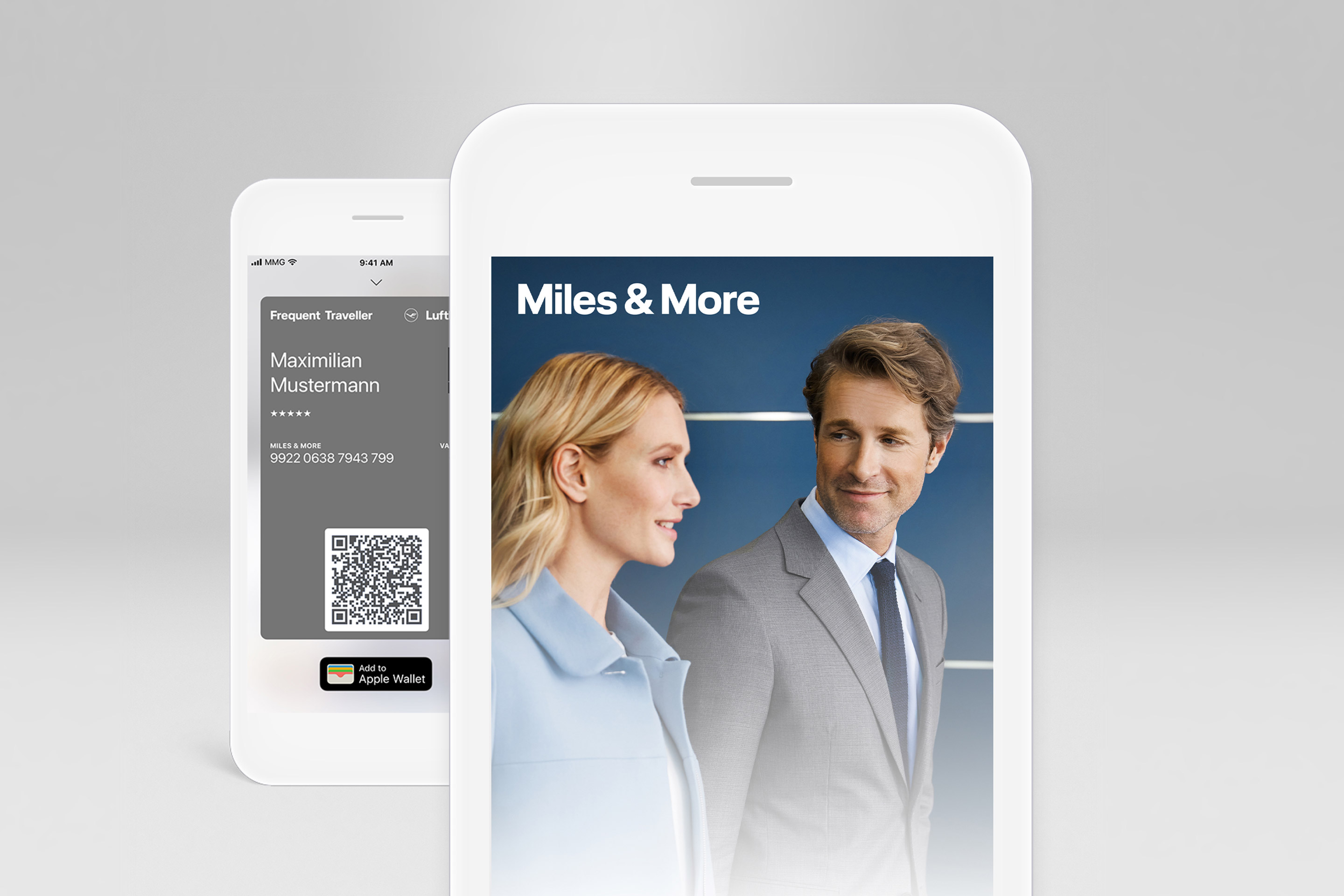




Want to use MilesPay but don’t yet have aMiles & More Credit Card?
You can find out more here, and apply for the credit card that’s right for you.
Earn miles with every transaction with the Lufthansa Miles & More Credit Card. What’s more, the Gold Credit Card offers unlimited mileage validity and travel insurance on private trips. The credit cards can be tailored to your needs with individual add-on packages.
The T&Cs of MilesPay apply, including the provisos and exceptions stated therein.
The mileage saving of up to 22% applies to amounts above the minimum of EUR 10/3,200 miles.